
What Is Internal and External Linking in SEO?

I've spent years working with SEO, and one question keeps coming up from bloggers and site owners:what is internal and external linking in SEO? It's a fair question, and the answer matters more than most people realize.
In this blog, I'll walk you through both link types in plain terms. You'll learn what they are, how they work, why search engines care, and what mistakes to avoid.
I'll also cover link equity, orphan pages, real-world examples, and tools to help you fix your links fast.
Good linking builds trust with search engines and keeps readers on your pages longer.
After helping multiple sites overhaul their link structure, I can say this is one of the most practical SEO wins available.
What Is Internal Linking in SEO?

Internal linking means linking from one page on your site to another page on the same site.
When I write a blog post and add a link to another post on the same website, that's an internal link.
These links help Google understand how your pages connect. They also support your website architecture and help readers find related content without bouncing.
What Is External Linking in SEO?
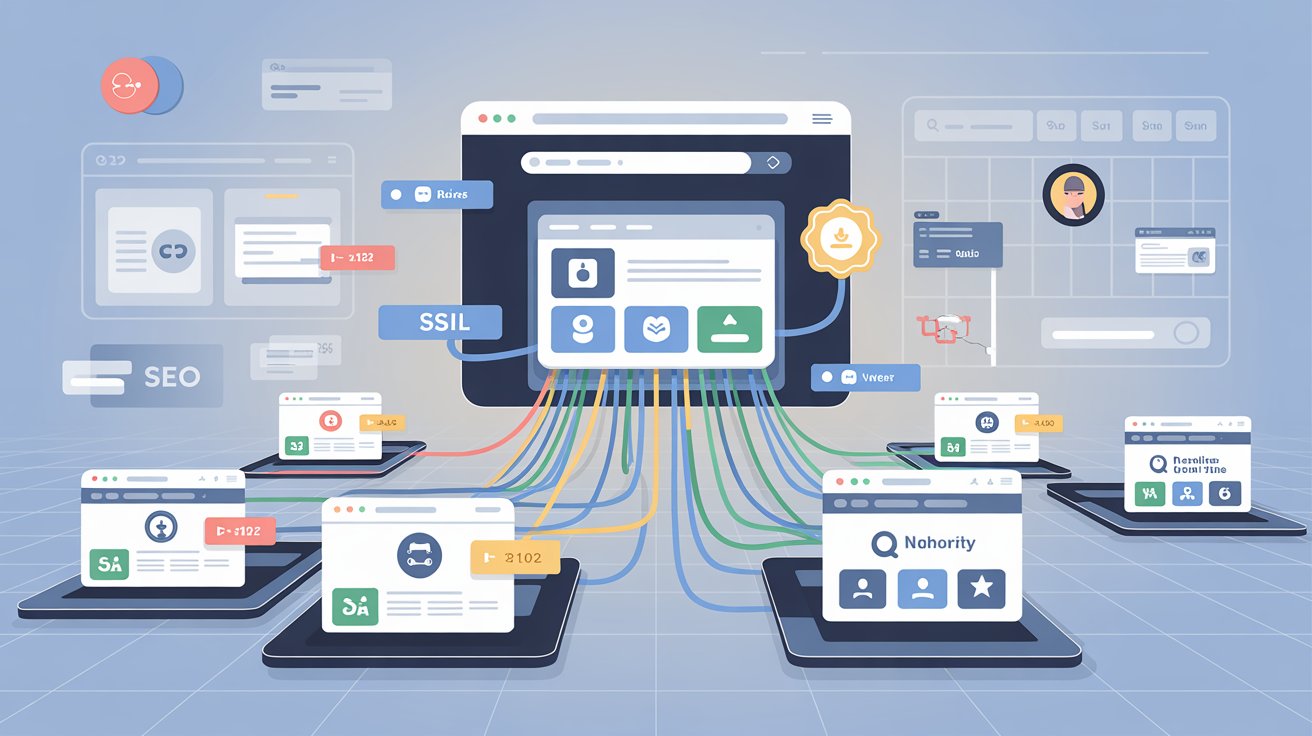
External linking means adding a link on your site that points to a different website. If I reference a study and link to the original source, that's an external link.
Search engines see these as trust signals. Linking to credible sources tells Google you care about accuracy and topical authority.
Internal Links vs External Links: Key Differences
Knowing how these two link types differ helps you use each one the right way in your SEO strategy.
Purpose
Internal links connect pages within your own site. External links point readers to content on other websites.
SEO Impact
Internal links help Google crawl and rank your pages. External links show your content is backed by reliable sources.
User Experience Benefits
Internal links guide readers to more of your content. External links give readers added context and credibility.
Authority Distribution
Internal links distribute link equity between your own pages. External links can send that equity away from your site if not managed well.
Crawlability and Indexing
Internal links help Google crawl your site more efficiently. External links have low direct impact on how your own pages get indexed.
| Factor | Internal Links | External Links |
| Destination | Same website | Different website |
| SEO Purpose | Spreads link equity | Builds credibility |
| User Effect | Keeps users on site | Sends users elsewhere |
| Control | Full control | Partial control |
| Crawlability | High impact | Low direct impact |
Why Internal Linking Is Important for SEO
Internal links help Google understand your site's structure and SEO hierarchy.
When I link newer posts to older high-performing pages, those pages pass link equity through the site.
This helps your whole site rank better. It also makes it easier for readers to find related content.
Why External Linking Is Important for SEO
External links tell search engines that you do your research.
When I link to a trusted source, it shows Google I'm not guessing.
It builds your site's credibility. Readers trust you more when they see you back your claims with real sources.
What Is Link Equity in SEO?
Link equity, sometimes called "link juice," is the value passed through links.
Internal links help distribute link equity across your website, helping important pages gain more visibility in search results.
During a site audit for one client, I restructured their internal links so key pages received more contextual links from high-traffic blog posts.
Within a few months, those pages saw better crawling and improved rankings.
How Internal Links Affect Search Engine Rankings
Internal links help signal page importance, but Google also considers content quality, backlinks, relevance, and many other ranking factors.
More internal links pointing to a page is a useful signal, not a guaranteed ranking boost.
If you want a page to rank, point other pages toward it. I use this as part of a broader strategy, not as a standalone fix.
How External Links Affect Search Engine Rankings
External links don't directly boost your rankings the way backlinks do. But they show Google that you're thorough and credible.
Linking to good sources is one way to prove that. Use them where they add real context, not just to fill space.
Internal and External Linking Examples
Internal Link Example: A blog post about keyword research links to another article about on-page SEO on the same website. Both pages are related, so the link adds value for readers and helps Google connect the two topics.
External Link Example:A blog post references a Google study and links to the original source on Google's website. This backs up the claim with a credible source and signals that the content is well-researched.
Types of Internal Links You Should Use
These internal links works best and are trending:
Navigational Links
These are links in your site's menu. They point to main pages like Home, About, and Blog.
Contextual Links
These sit inside your content. I use them to connect related posts naturally within the text. Contextual linking is the strongest type for SEO.
Breadcrumb Links
Breadcrumb links show users where they are on your site. They help with both user experience and crawlability.
Footer Links
Footer links sit at the bottom of every page. They usually point to your privacy policy or contact page.
Related Post Links
These show up at the end of a post and suggest more content for the reader.
Hub-and-Spoke Content Links
One main hub page links out to many spoke pages on subtopics. This model builds topical authority and a clear content structure across your site.
Types of External Links in SEO
There are two main types: dofollow and nofollow.
Dofollow links allow search engines to follow the link and potentially pass ranking signals to the linked page.
Nofollow links suggest that search engines should not pass ranking signals through that link.
I use dofollow for credible editorial sources and nofollow for sponsored or user-generated content.
Internal Linking Best Practices for Higher Rankings
Small changes to how you link internally can have a real impact on crawlability and site rankings.
- Link to related content naturally inside your posts.
- Use descriptive anchor text that tells readers what to expect.
- Avoid linking to the same page too many times in one post.
- Check for broken internal links regularly.
- Make sure every new page gets at least one internal link pointing to it.
External Linking Best Practices for SEO
Linking out to credible sources shows search engines your content is grounded in real information.
- Only link to sites with strong credibility and trust.
- Use nofollow tags for paid or sponsored links.
- Add as many external links as your content genuinely needs, but only when they provide real value to readers.
- Remove or update links that point to broken or outdated pages.
What Are Orphan Pages and Why Are They Bad for SEO?
Orphan pages are pages on your site with no internal links pointing to them.
Because search engines have difficulty discovering them, they often receive less traffic and struggle to rank.
I ran a content audit for one client and found over 30 orphan pages.
Once I added contextual internal links from related posts, several of those pages started getting crawled and indexed consistently.
Common Internal Linking Mistakes to Avoid
Even one or two linking mistakes can slow down how Google crawls and indexes your site.
- Using vague anchor text like "click here" or "read more."
- Creating orphan pages with no internal links pointing to them.
- Over-linking one page while ignoring others.
- Adding too many links in one post, which dilutes link equity across your pages.
Common External Linking Mistakes to Avoid
These mistakes can quietly hurt your site's credibility and overall link structure.
- Linking to low-quality or spammy websites.
- Forgetting to add nofollow to sponsored links.
- Letting external links go stale without checking them.
- Adding external links that don't give the reader any real added context.
How to Build an Effective Internal and External Linking Strategy
Start with a content audit. List all your pages and find the ones with no internal links. Fix those first.
As you write new content, link back to older relevant pages. For external links, only reference sources you actually trust.
During a content audit for one client, we added over 150 contextual internal links across the site.
Within three months, several important pages saw improved crawling and ranking performance. The strategy worked because it was consistent, not rushed.
My simple rule:every post I publish should have at least three internal links and one to two external links to credible sources.
Tools for Analyzing Internal and External Links
The right tools make it much easier to spot weak points in your link structure before they hurt your rankings.
- Google Search Console:Free and shows which pages get the most internal links.
- Ahrefs:Great for checking both internal and external link profiles.
- Screaming Frog:Crawls your site and spots broken links fast.
- SEMrush:Covers link audits and competitor link data.
- Moz Link Explorer: Beginner-friendly for checking link authority.
Conclusion
Now you know what is internal and external linking in SEO and why both matter for your site.
Internal links keep your structure clean and help Google distribute link equity to your most important pages.
External links show search engines your content is backed by credible sources.
I've seen real results from fixing link structures. One client added over 150 internal links and saw consistent crawling and ranking improvements within months.
Start small. Fix your orphan pages first. Add contextual links where they fit naturally. Link out to sources you actually trust. Do this consistently and you'll see the difference.
Good linking takes attention and a clear plan. It's not complicated once you know what to look for.
What linking problem are you going to fix on your site today?
Frequently Asked Questions
How many internal links should a blog post have?
Three to five internal links per post is a solid starting point. Make sure each one connects to genuinely related content and adds value for the reader.
Does external linking hurt my SEO?
No, linking to good sources actually helps your credibility with search engines. Problems only come when you link to spammy or low-quality sites.
What is anchor text and why does it matter?
Anchor text is the clickable words in a link. Descriptive anchor text helps both readers and search engines understand what the linked page is about, which supports better anchor text optimization across your site.
Should I use nofollow for all external links?
Not all. Use nofollow for paid or sponsored links. For regular editorial links to trusted sources, dofollow is fine and often better for credibility.
What is internal and external linking in SEO, and which one matters more?
Both matter, but for different reasons. Internal links support your site's structure, crawlability, and link equity flow. External links build credibility and topical authority. You need both working together for strong SEO results.
